

Engagement KPI - Google Analytics
Make sure you're logged in as WEB and not your personal Google.
Choose the GA account
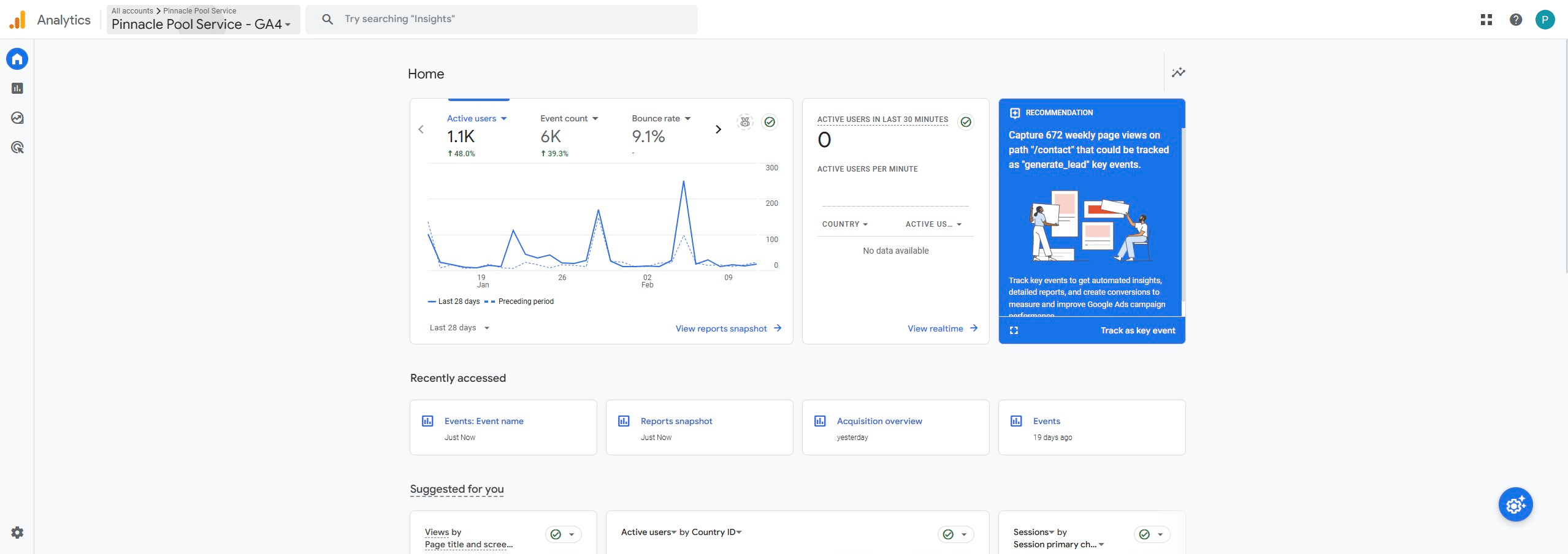
Click on the account name
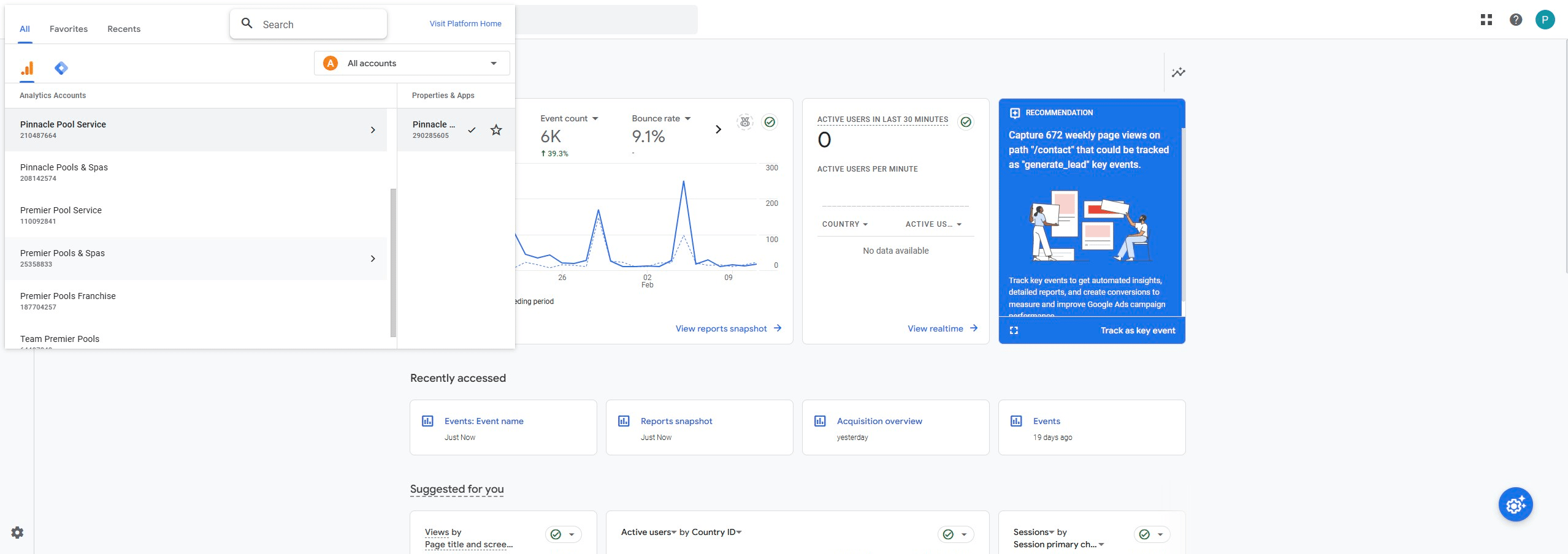
Make sure to choose the property named after the domain
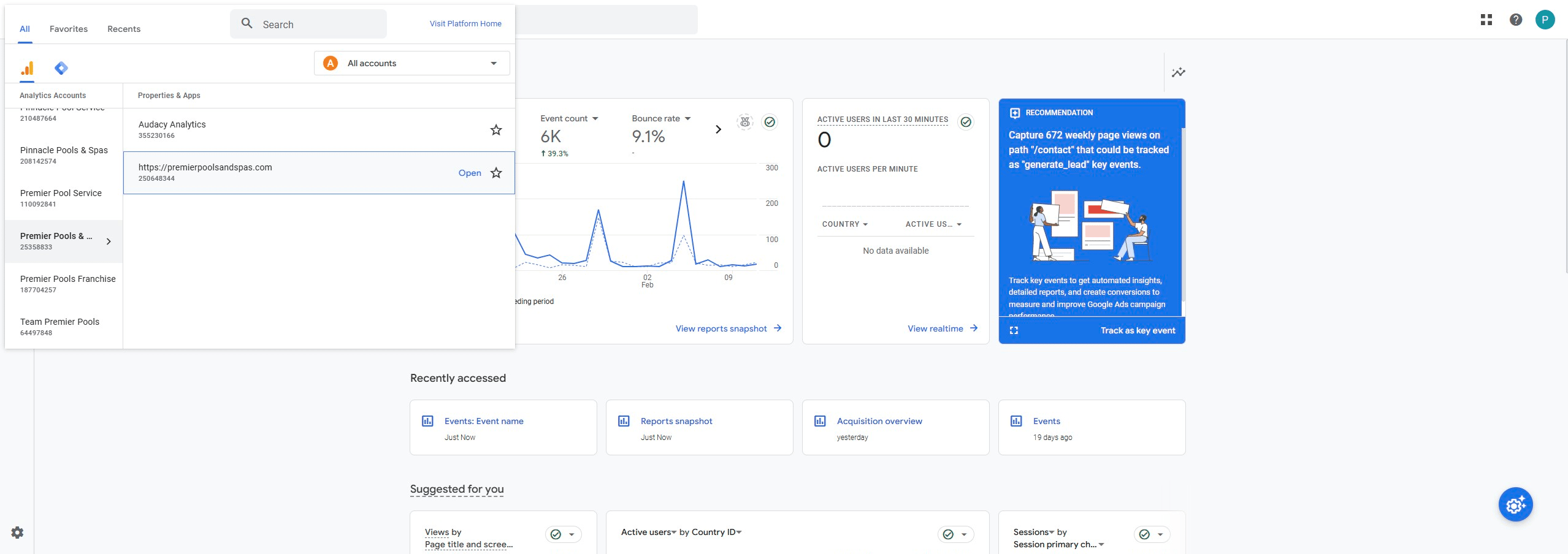
Click on "Reports"
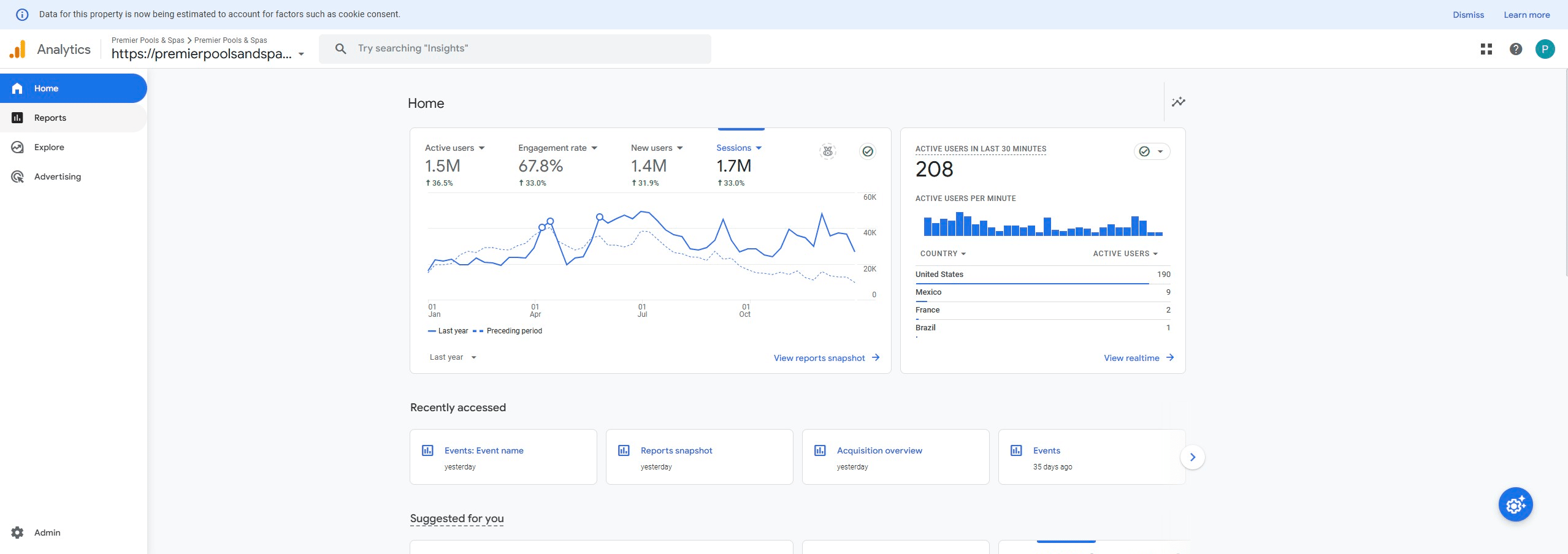
Click on "Engagement"
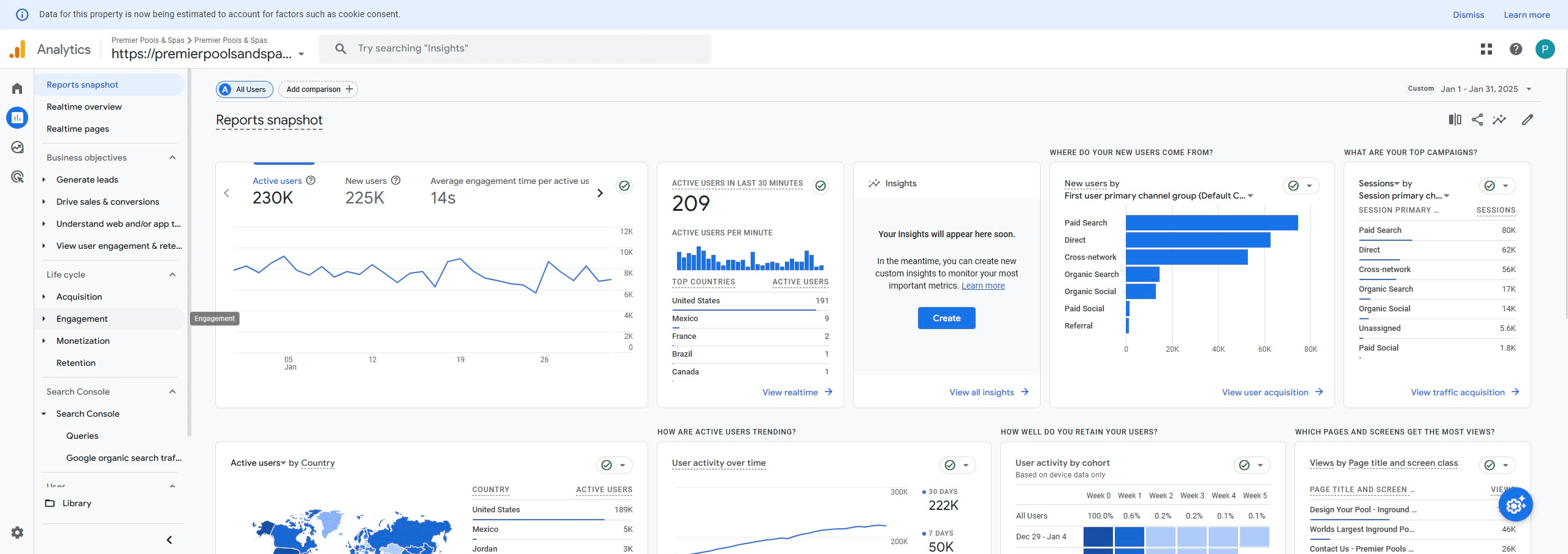
Click on "Events: Event name"
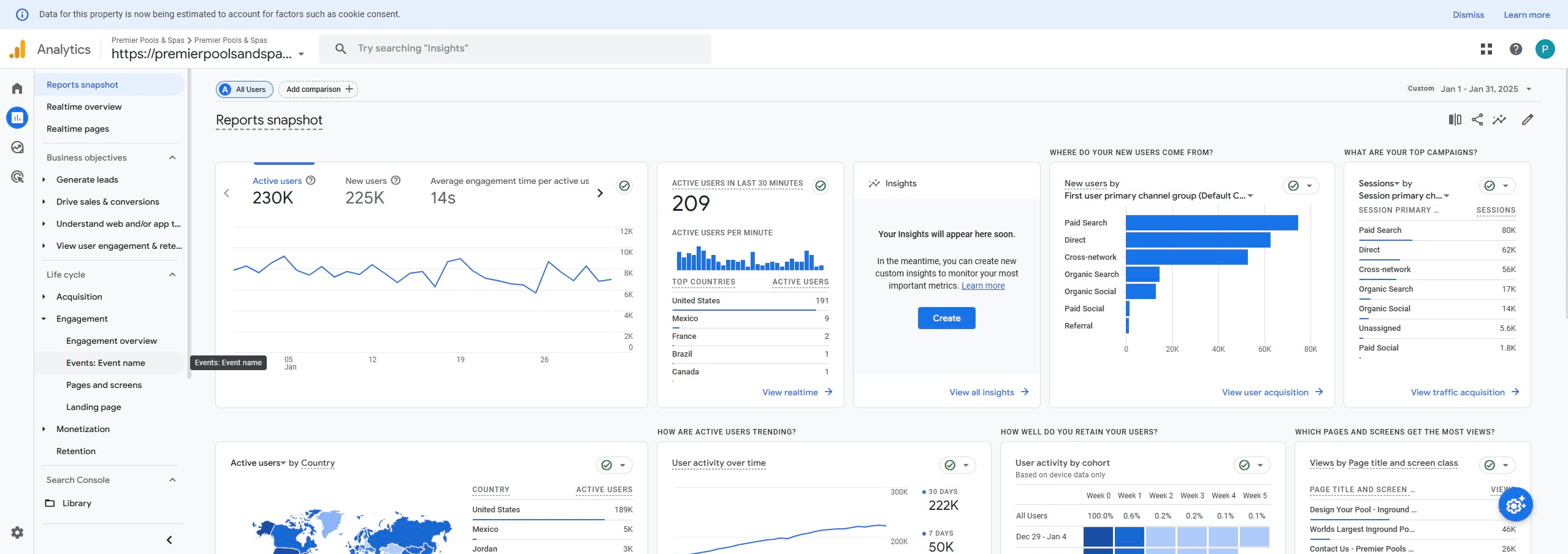
Select date range for month
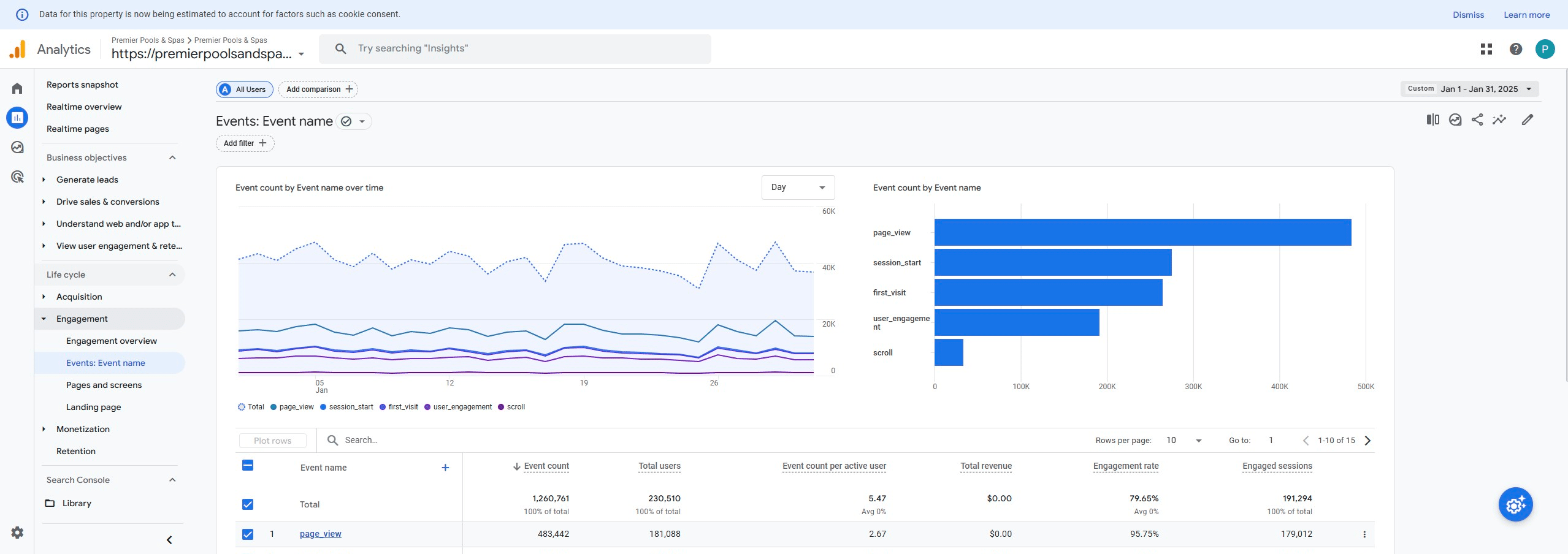
Select start date
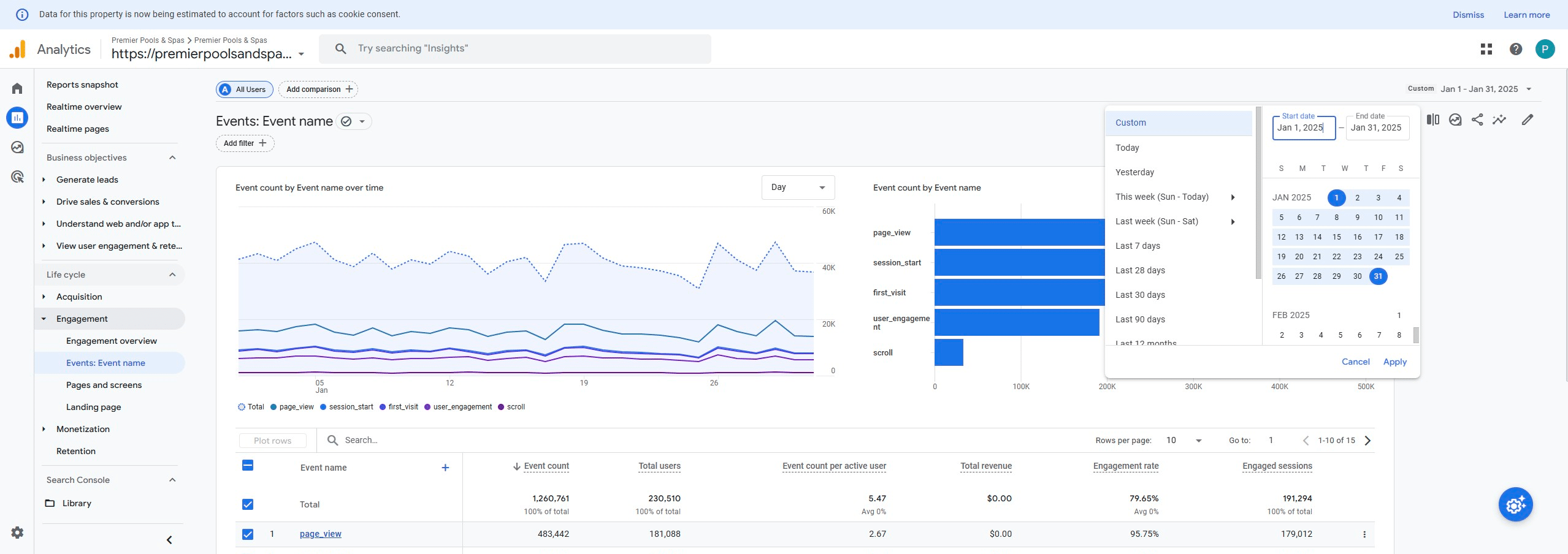
Select end date
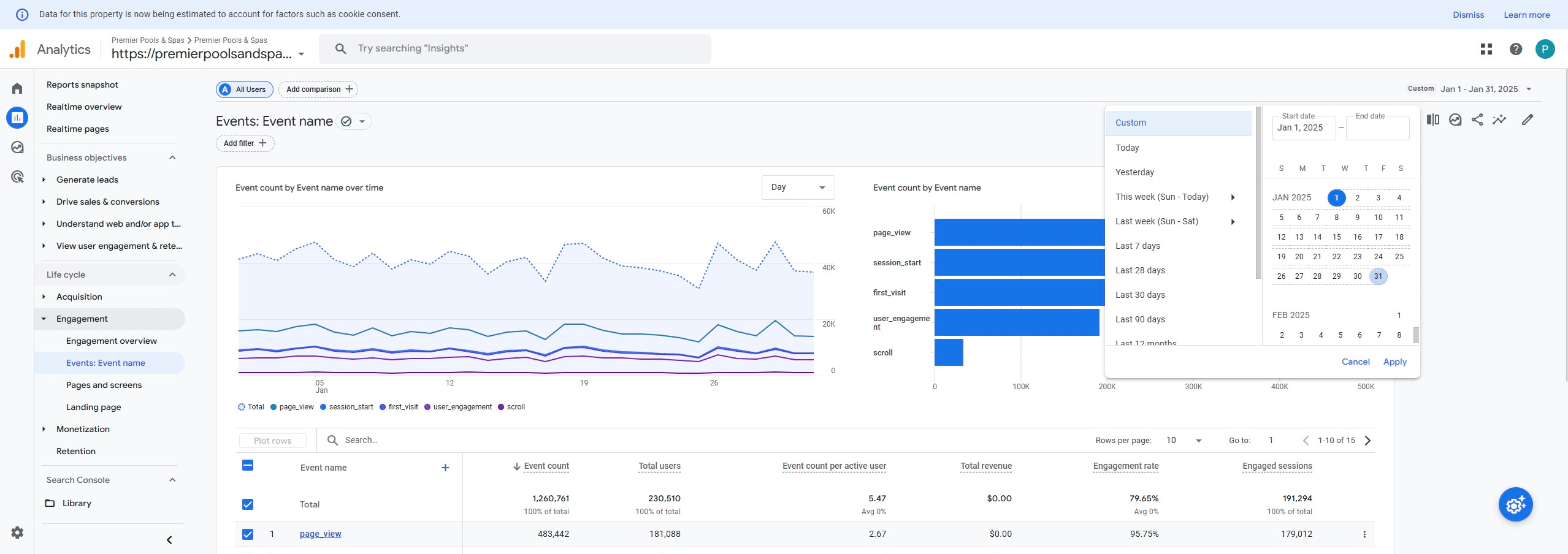
Apply selection
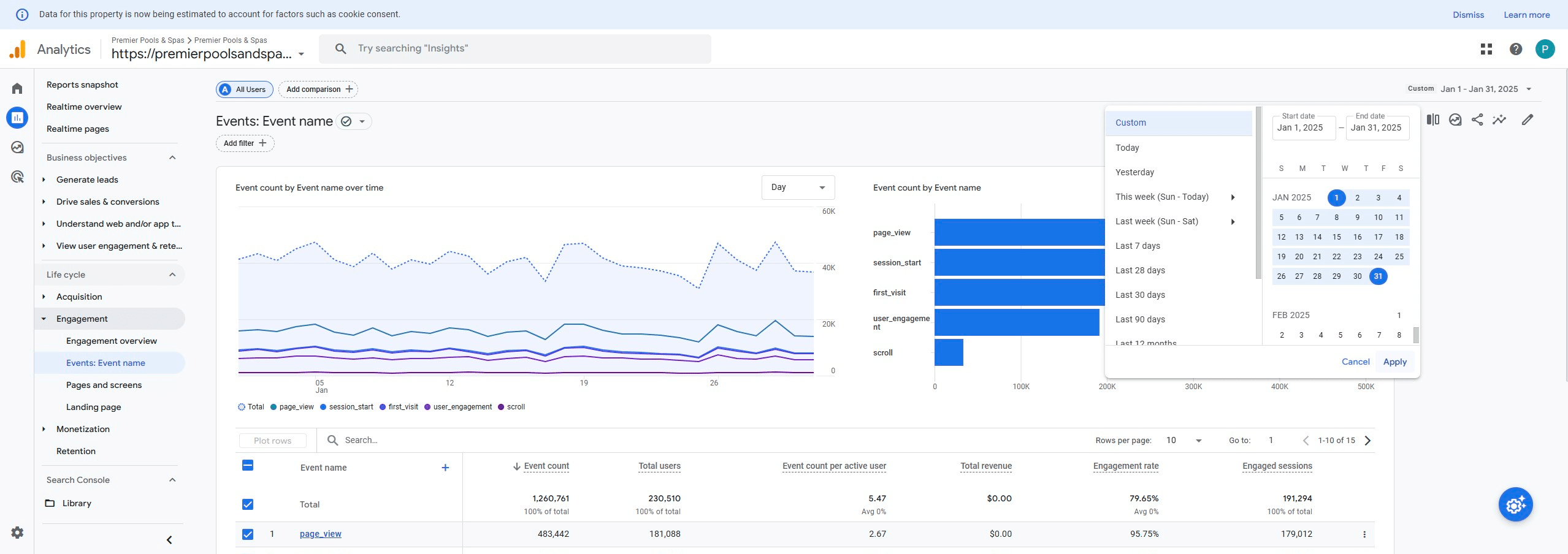
Click on "share"
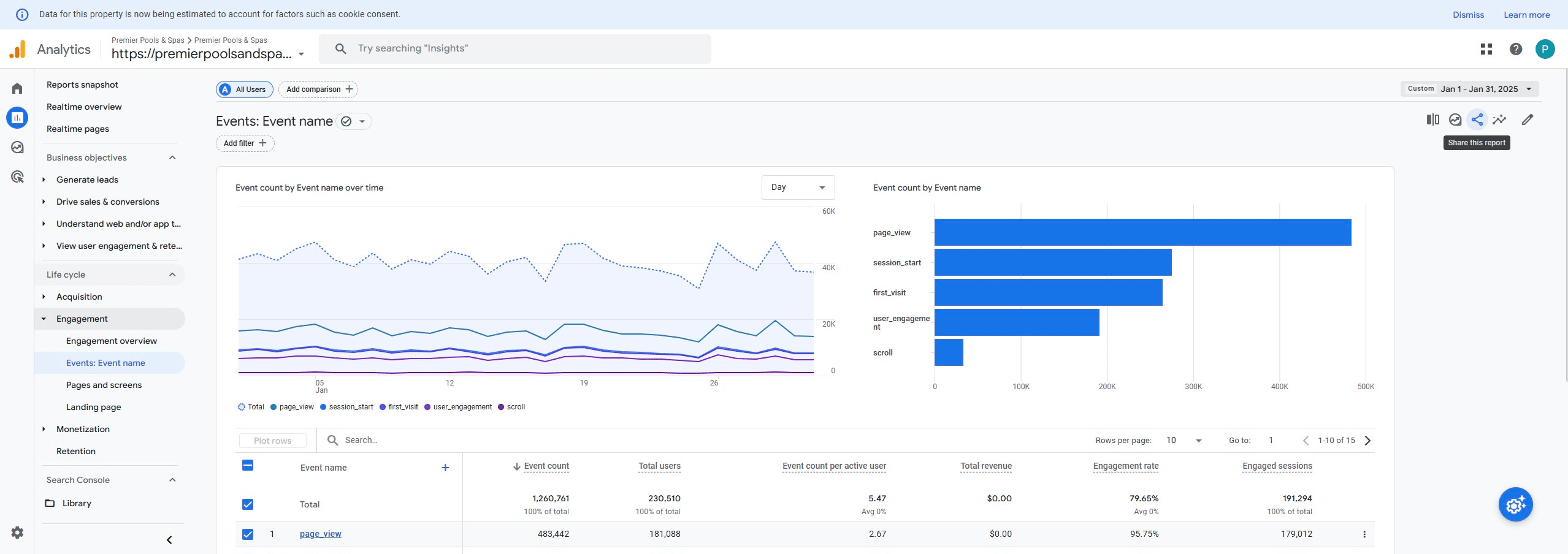
Click on "Download File"
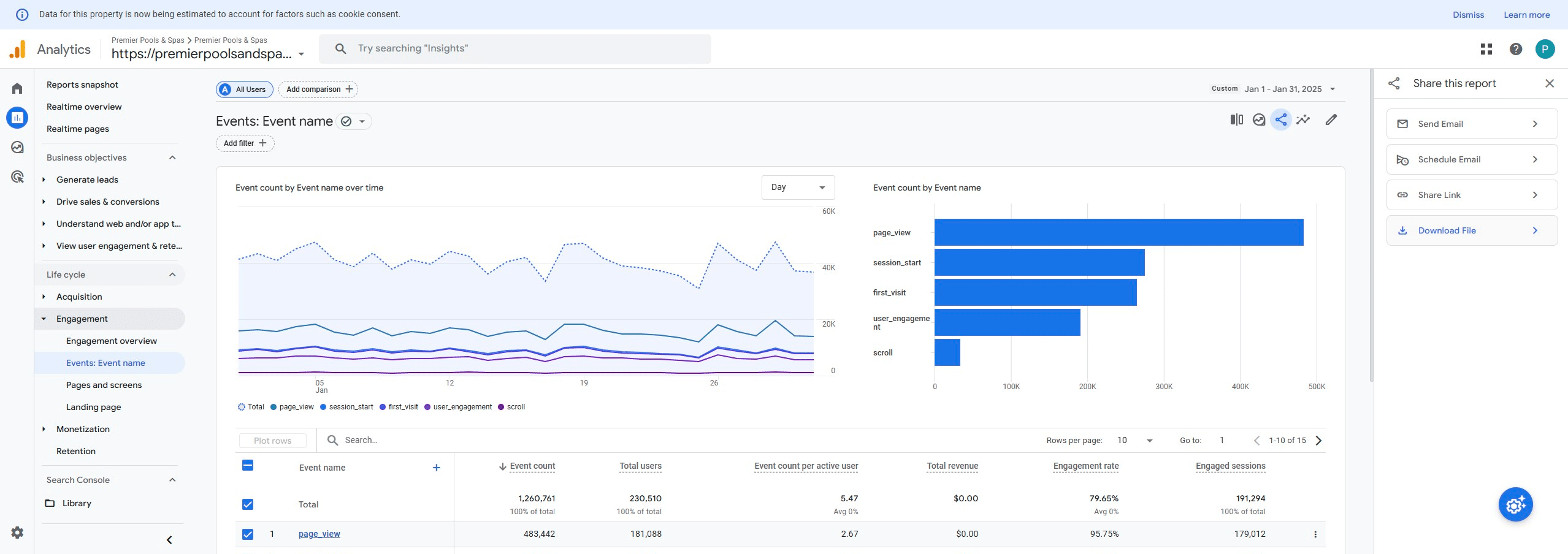
Click on "Download CSV"
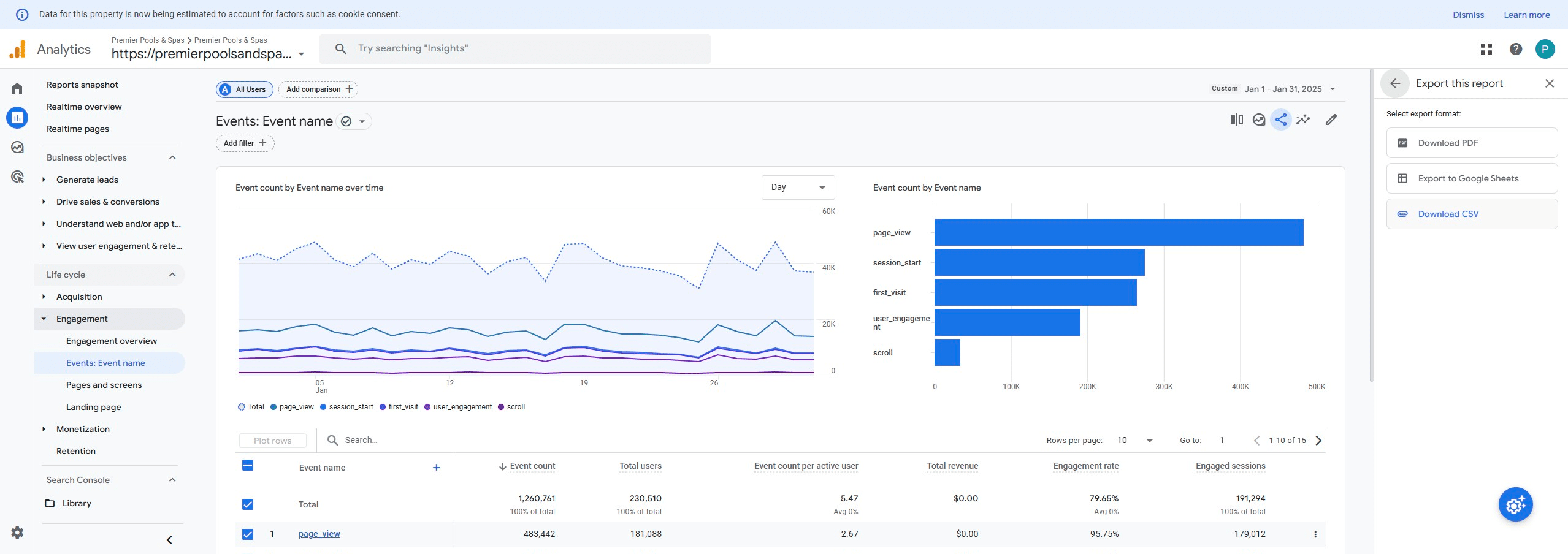
Done in GA🚀
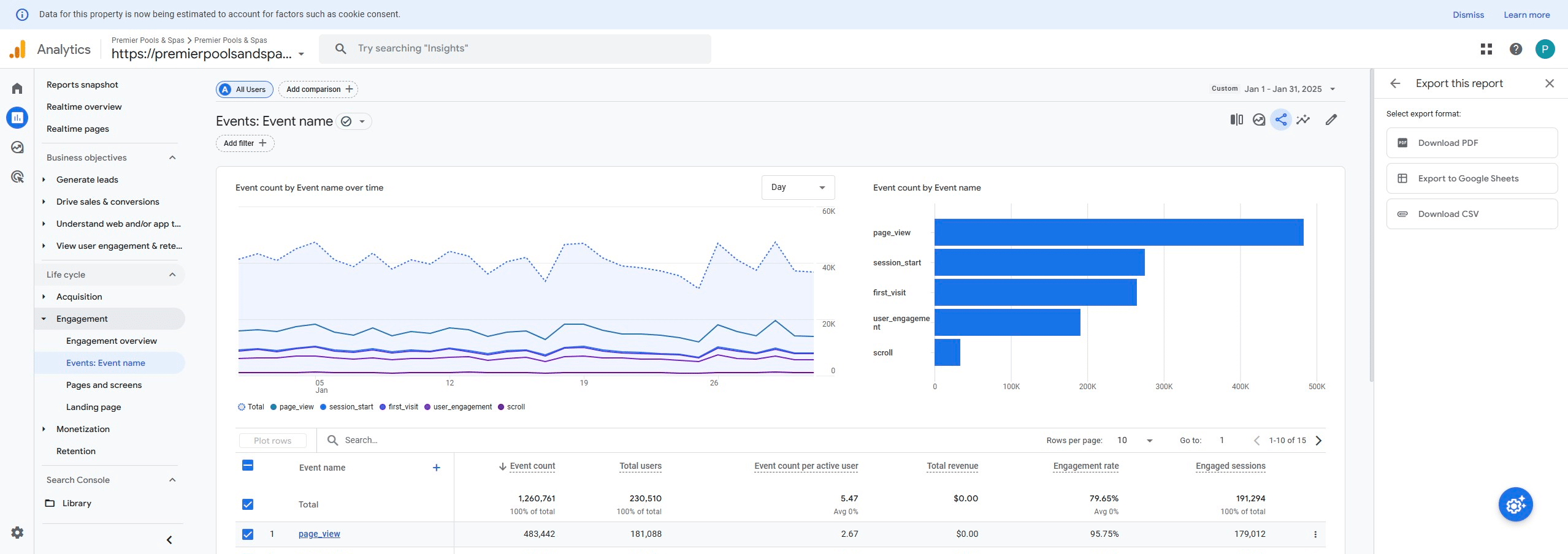
Open the downloaded file, Don't convert, and save as: Brand (PNN, PPAS, PPSRV, or PNSRV) (underscore) Engagement (underscore) YYYYMM.csv
Folder Path: PFM Web/IT Sharepoint Folder > Admin > KPI > Data Sources > Google Analytics > Engagement Rate
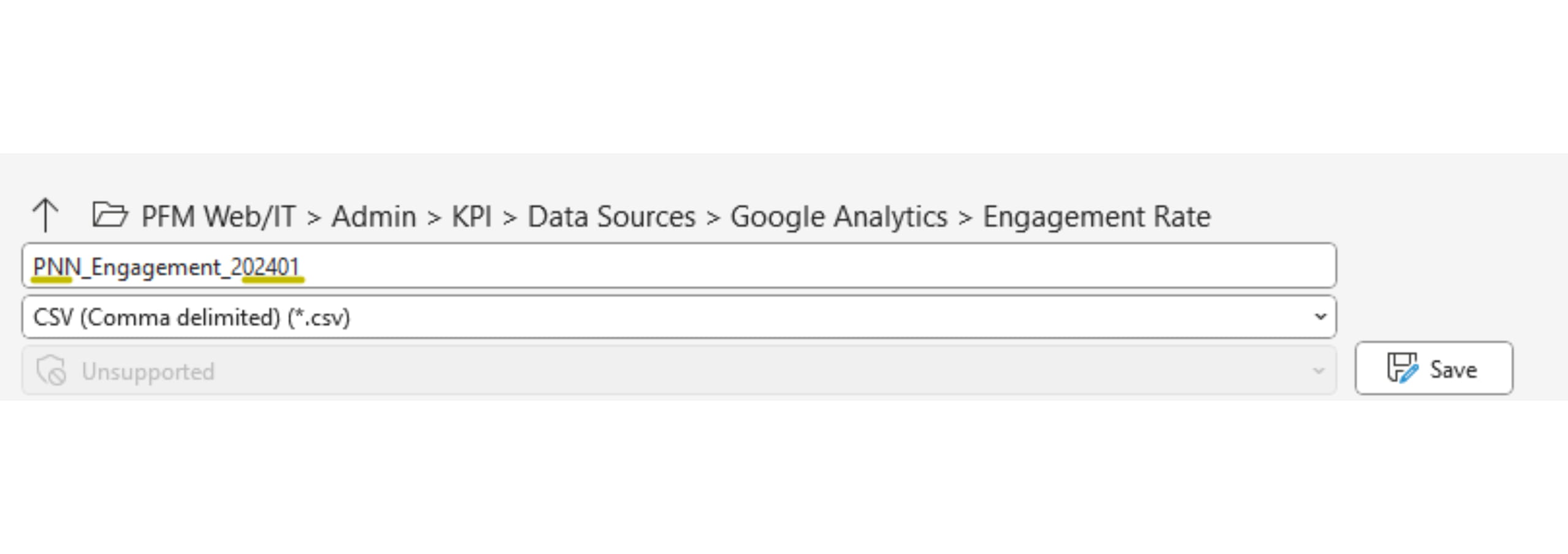
If file paths aren't in the correct format, the queries will not work, and the data will not populate. So please double-check your naming convention!
Walkthrough for saving the file