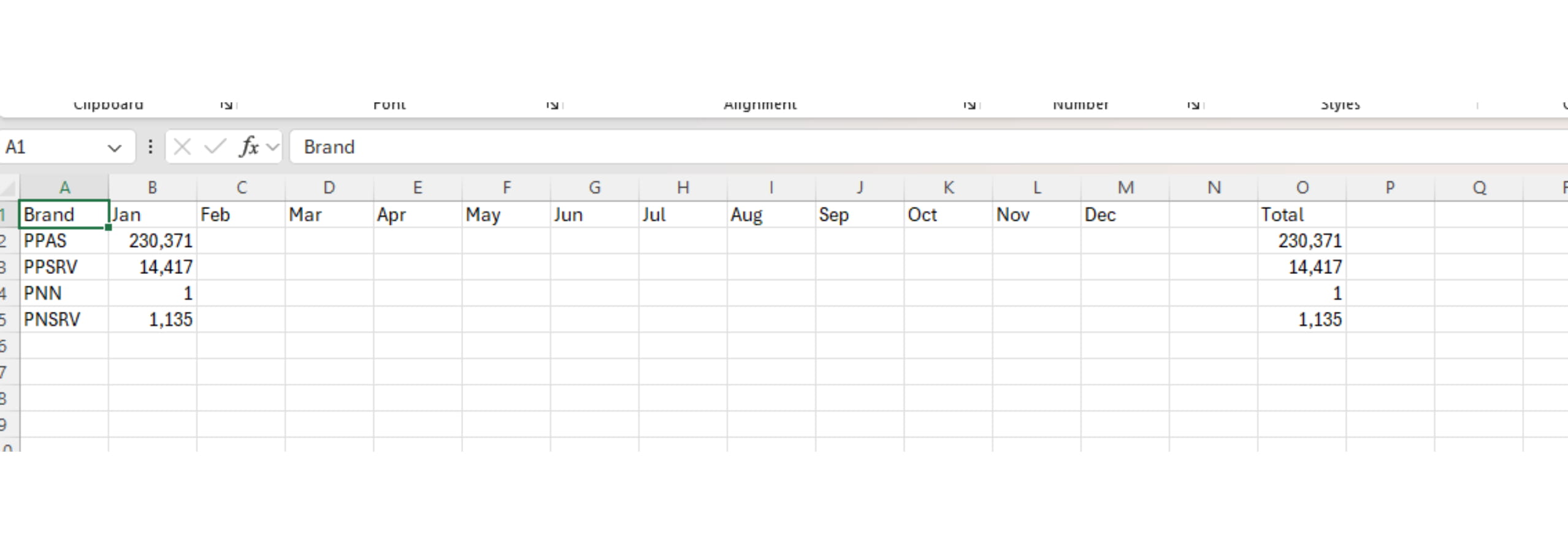
Total Users KPI - Google Analytics
Feb 12, 2025●
Make sure you're logged in as WEB and not your personal Google.
2
Choose the brand
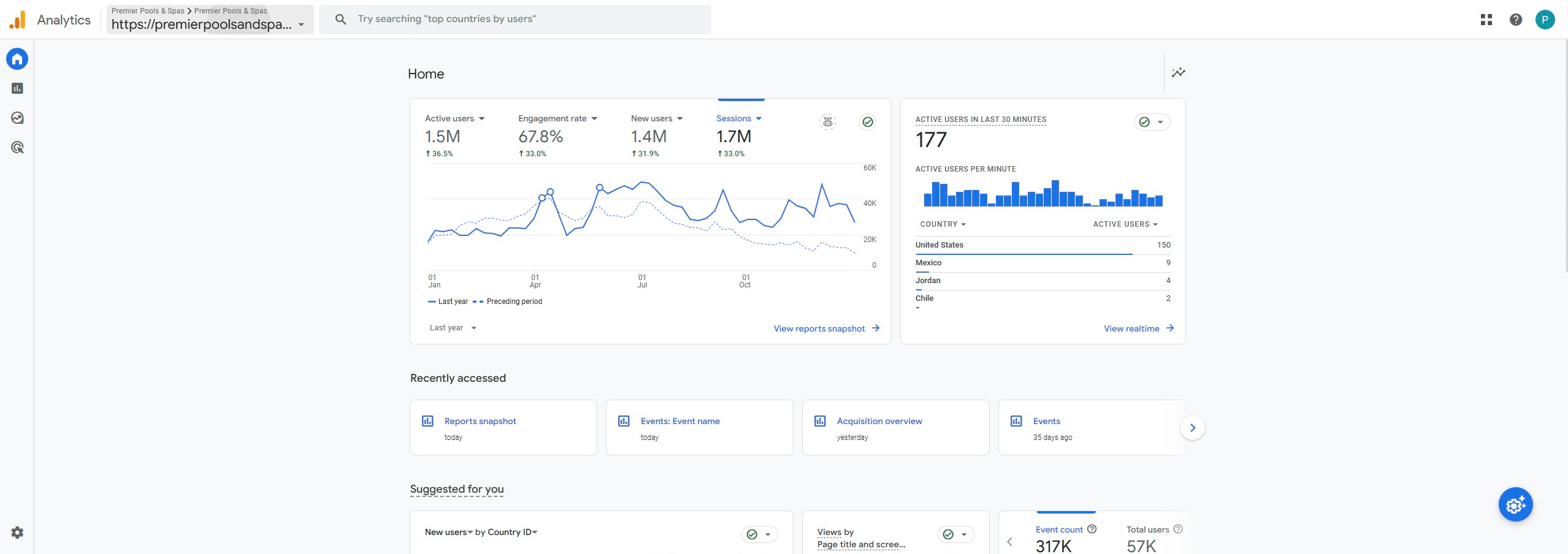
3
If all brands aren't visible in the sidebar, click the current brand name drop down.
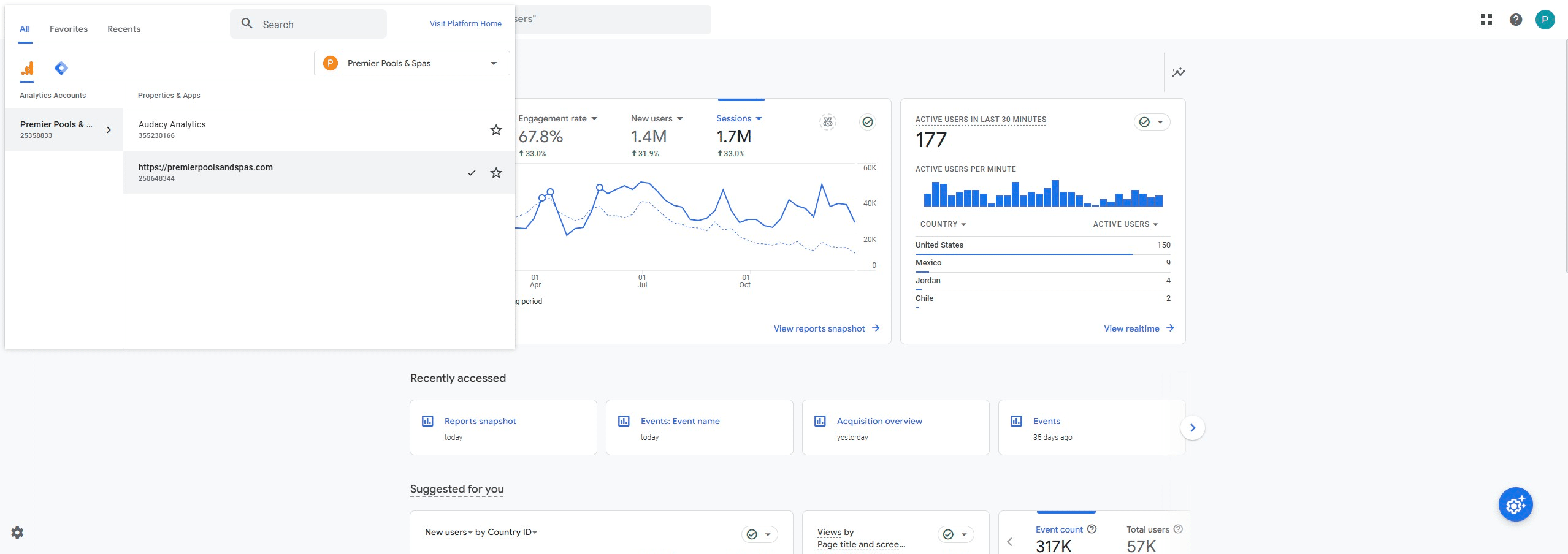
4
Click on "All accounts"
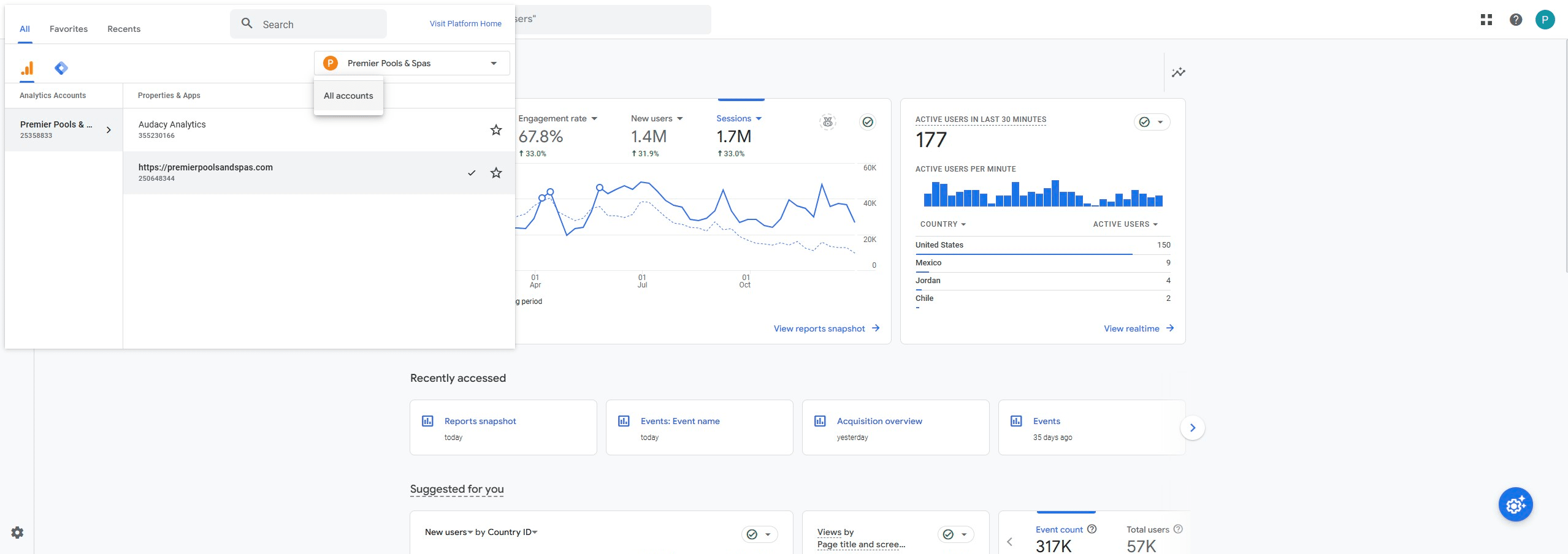
5
Find brand name in the full list
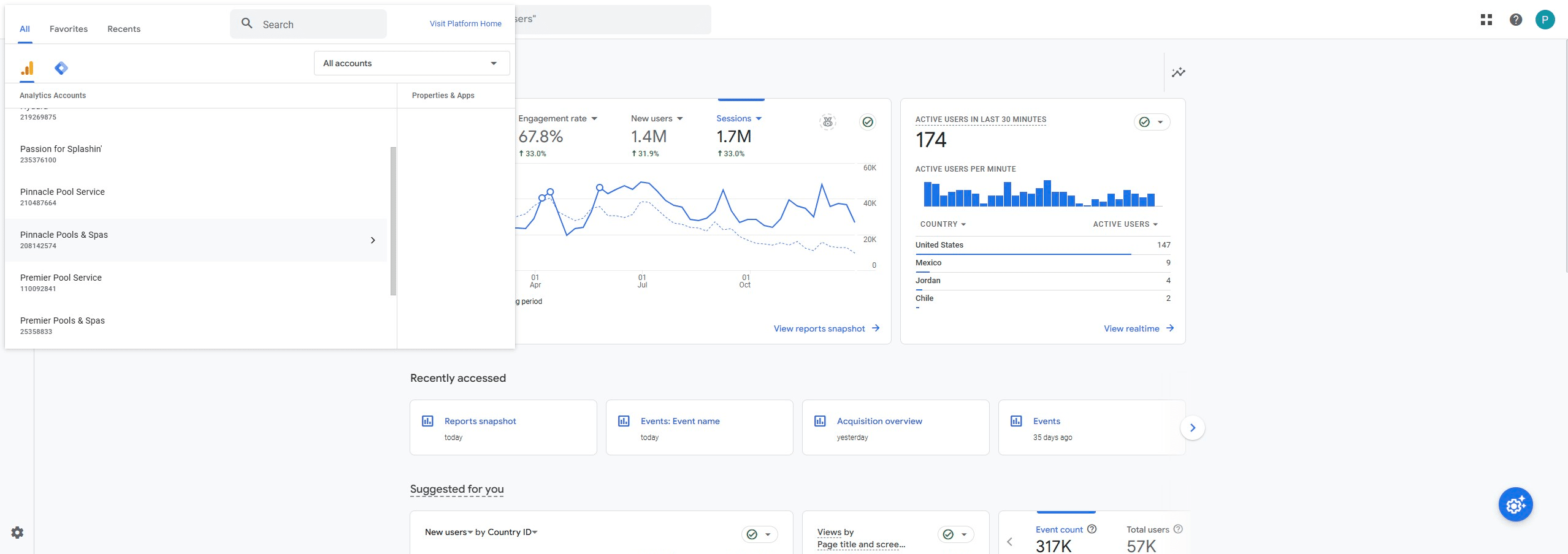
6
Click on the name that matches the domain
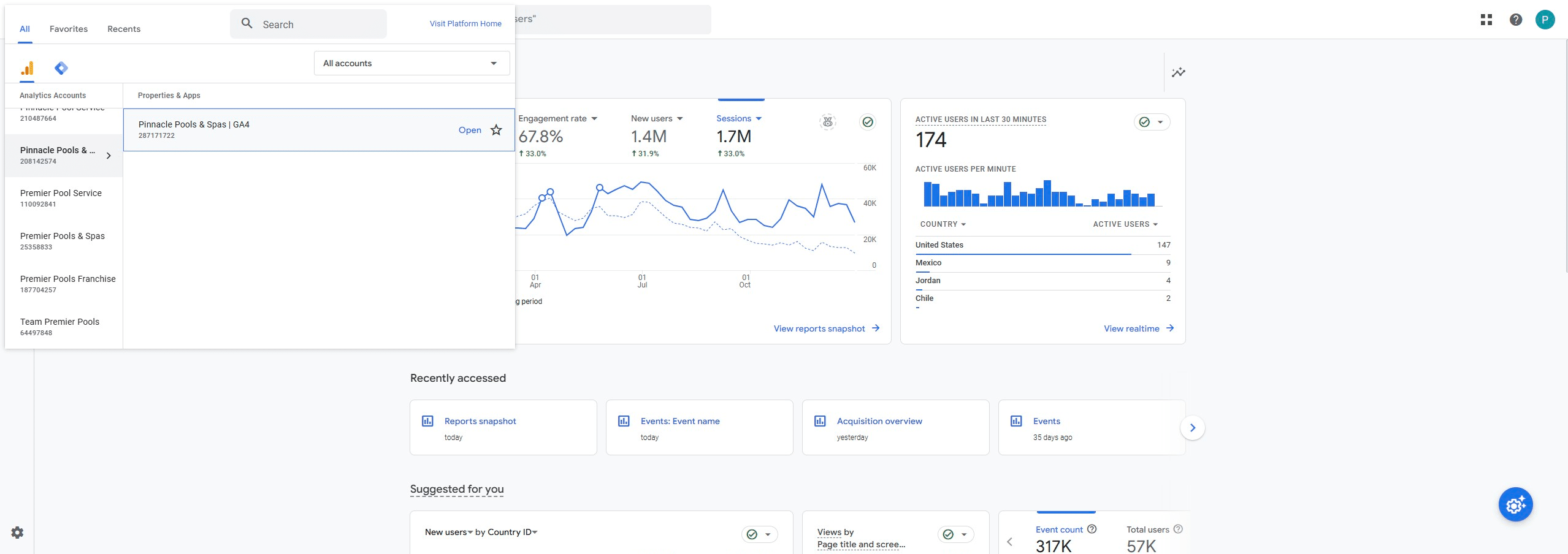
7
Click in the search bar
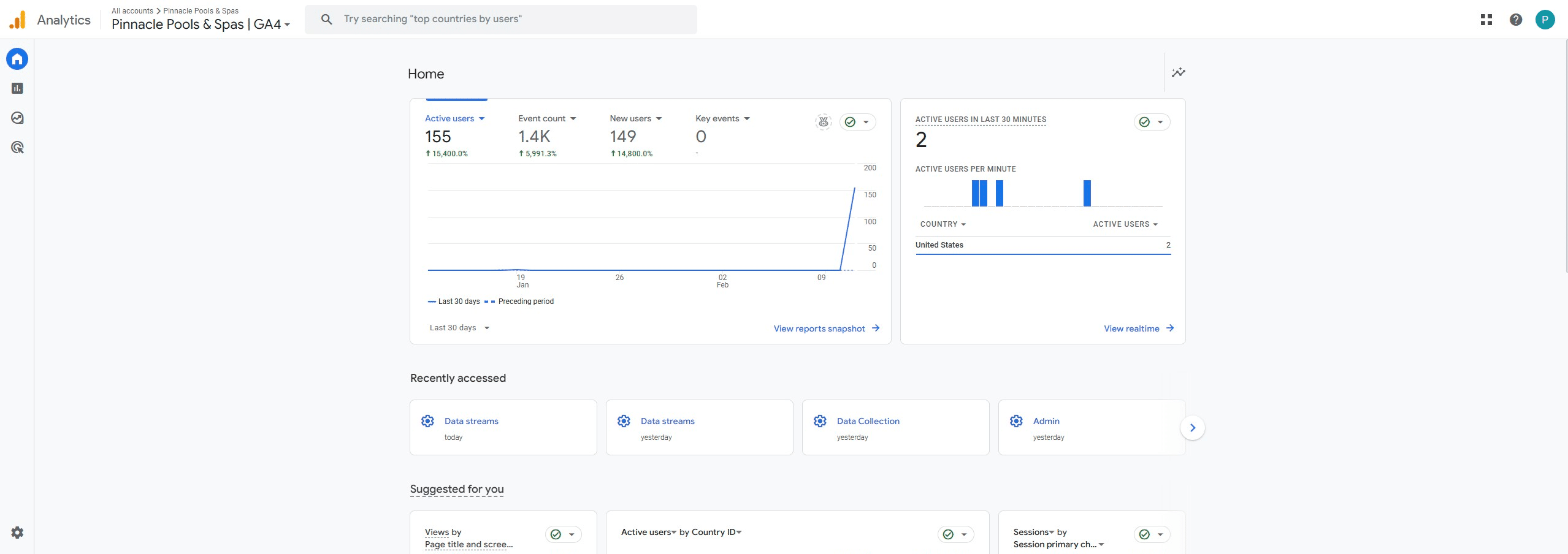
8
Search "Total users MM YYYY" and copy the results
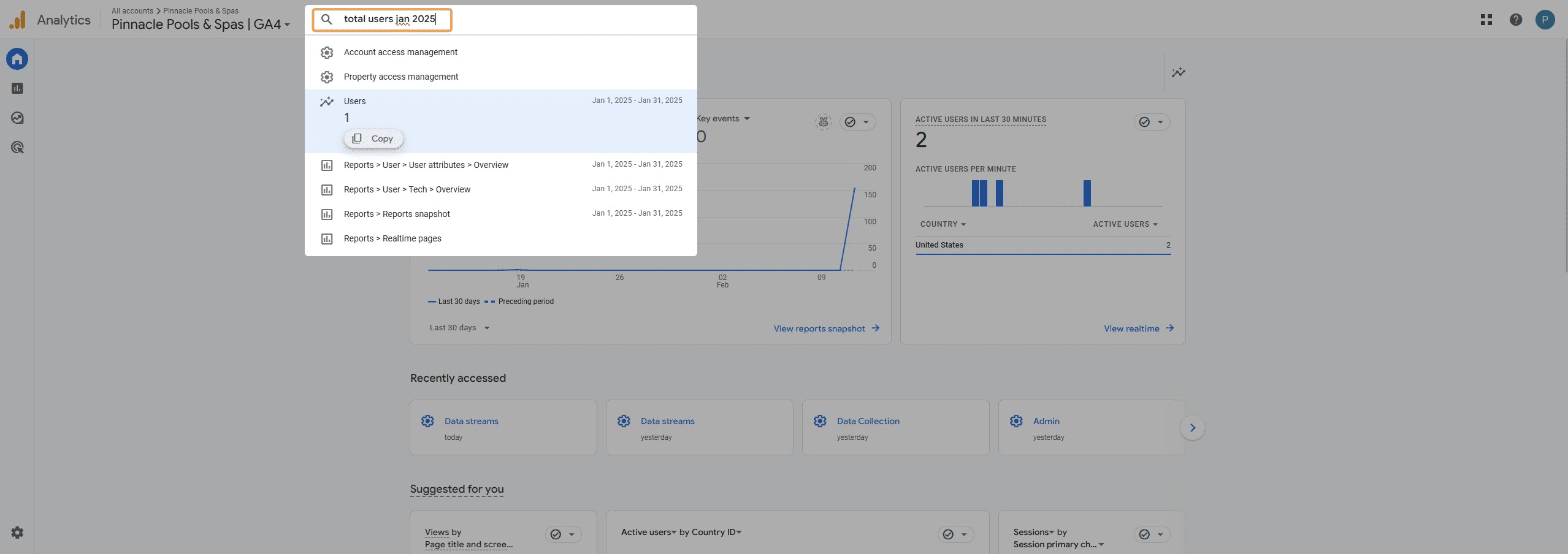
9
Input Monthly User Total into 'Updated Total Users.csv'
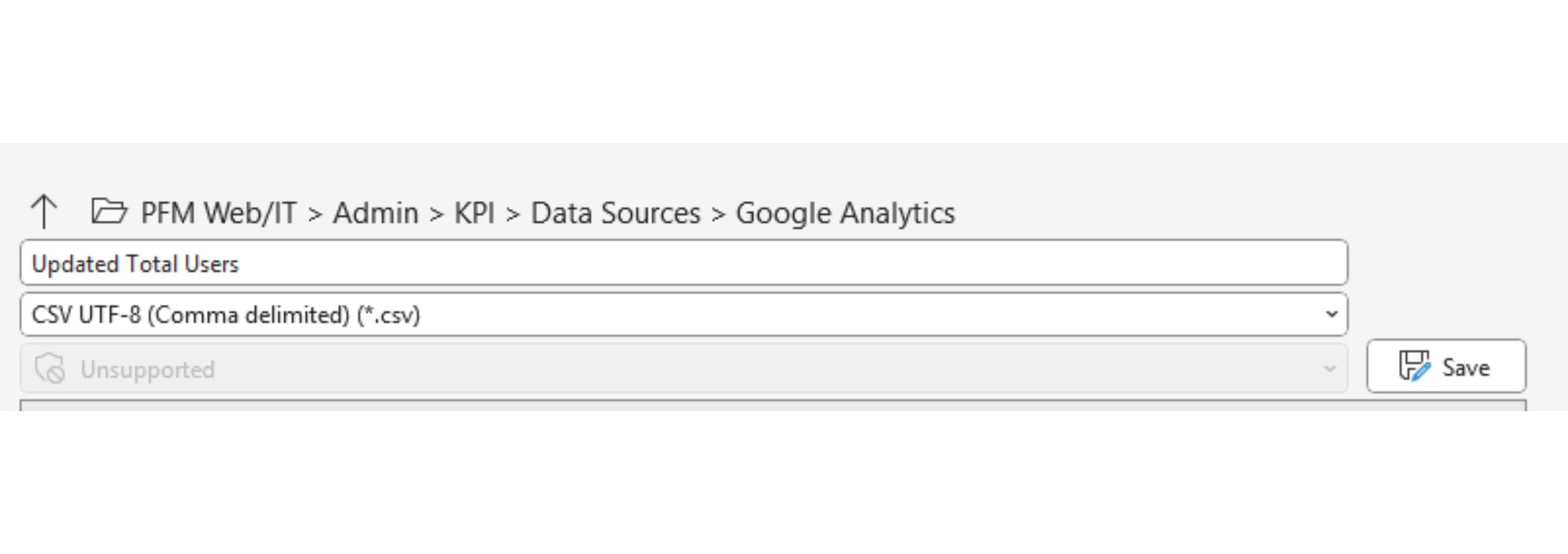
How to open 'Updated Total Users.csv' - - And how to save after all numbers have been inputted.
0:00 / 0:00
10
Repeat steps until all four brands are filled in.