
Rankings KPI - SEMRush
Feb 12, 2025●
1
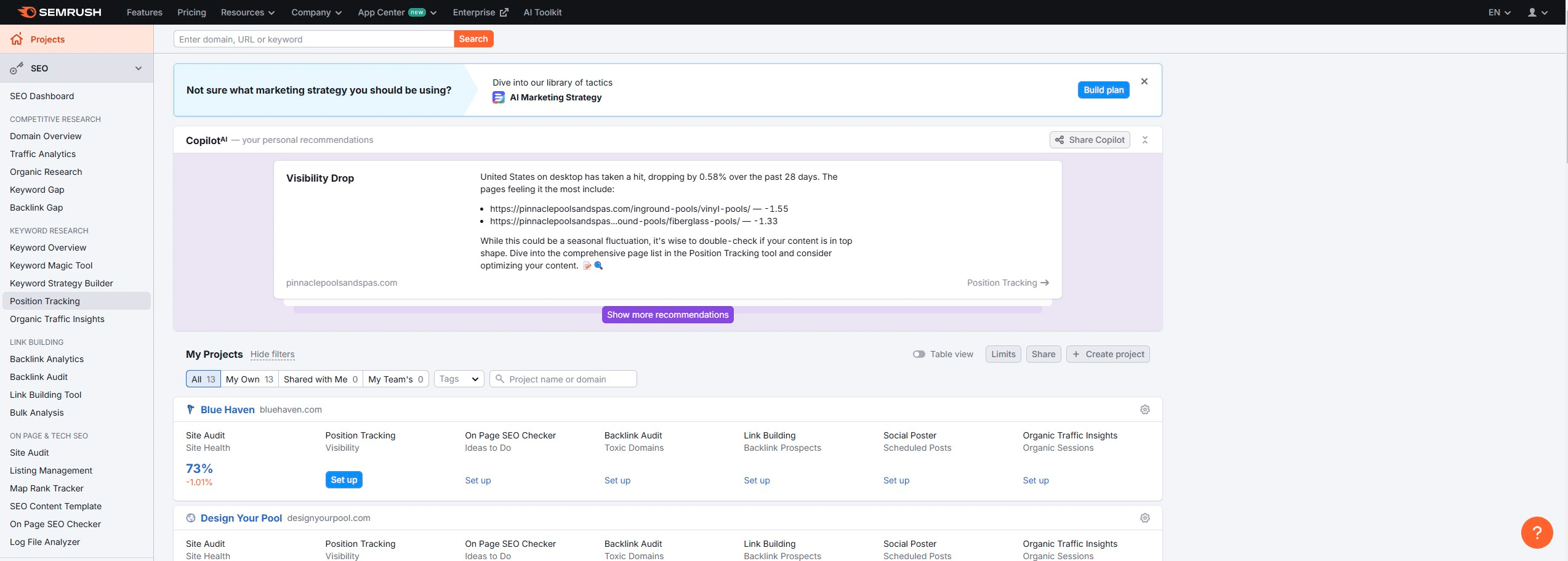
Navigate to https://www.semrush.com/projects/
2
Click on "Position Tracking"
3
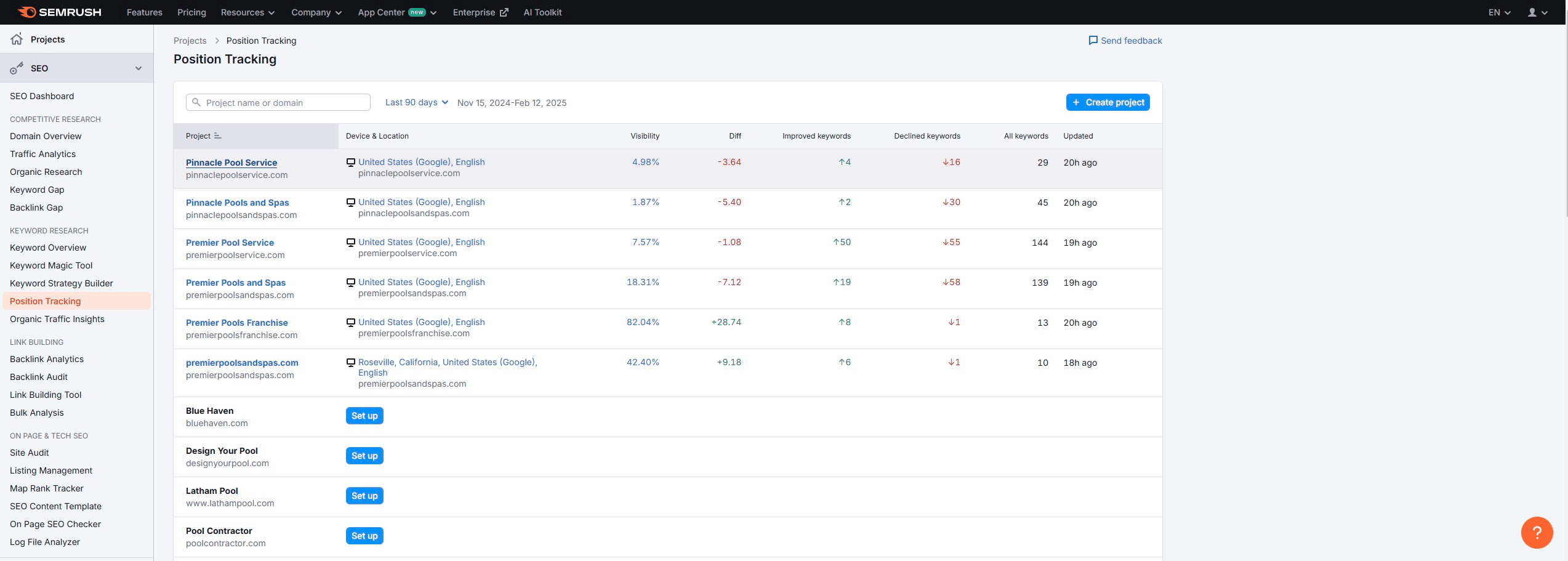
Click on Brand
4
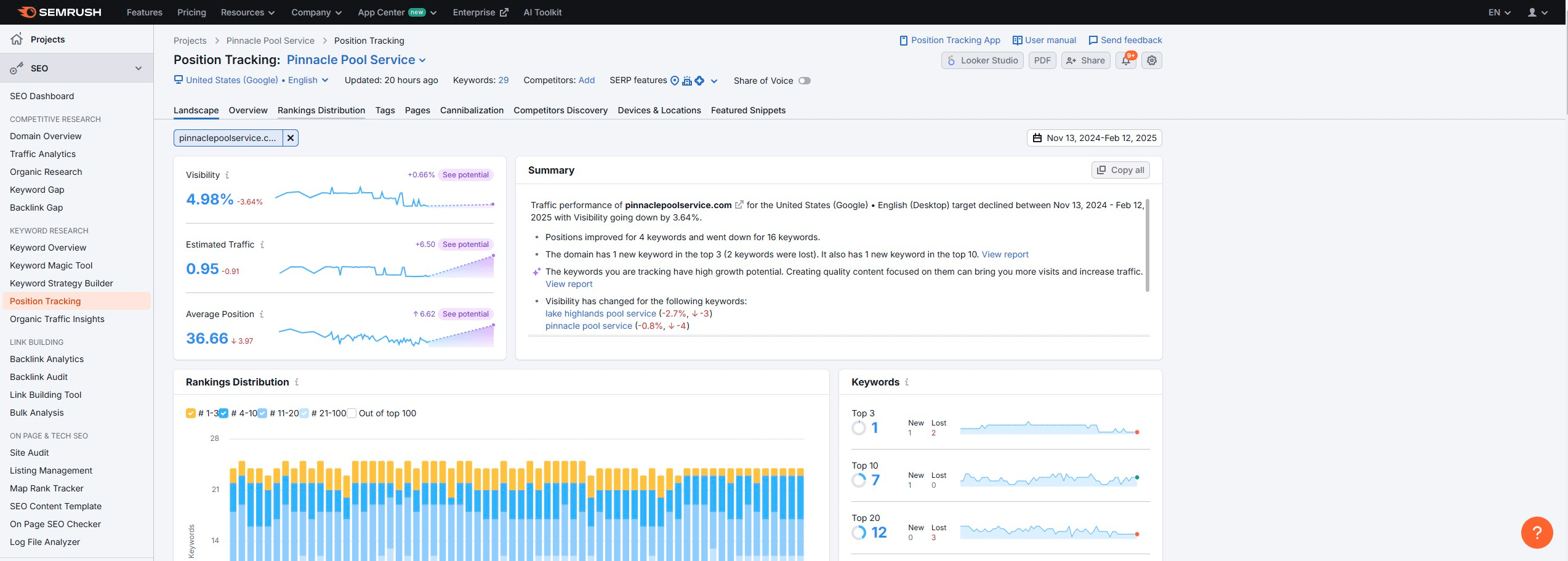
Click on "Rankings Distribution"
5
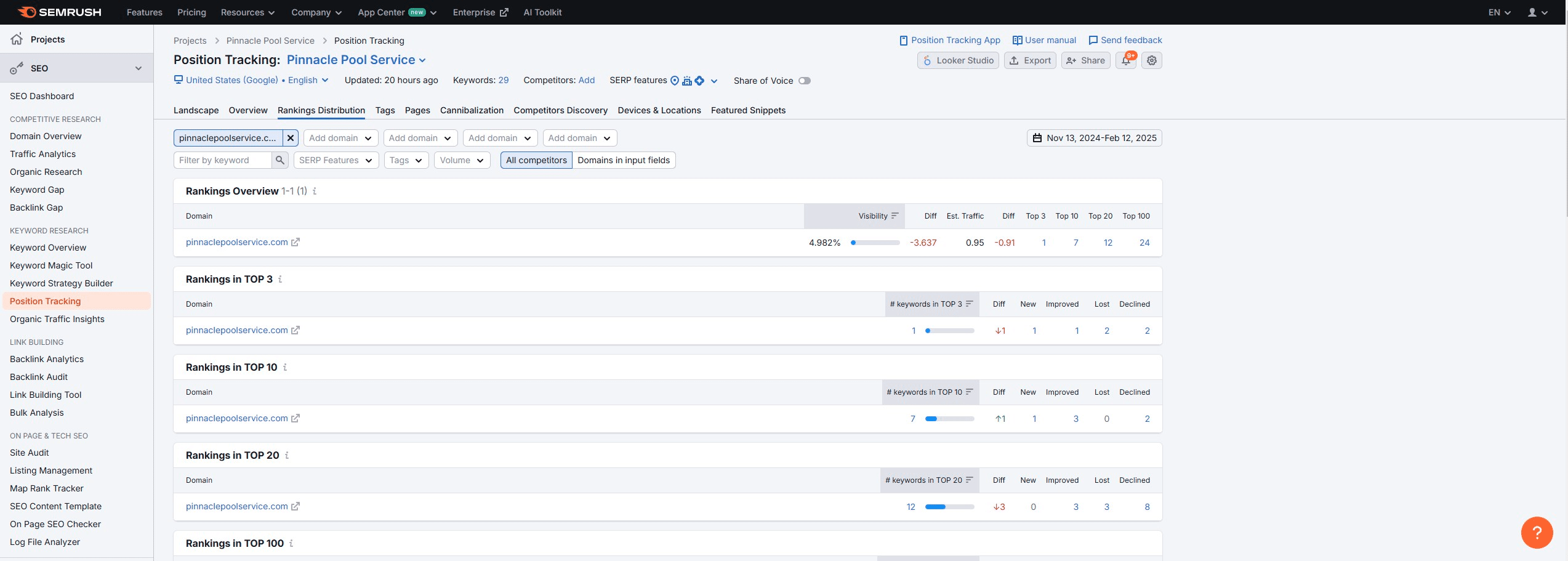
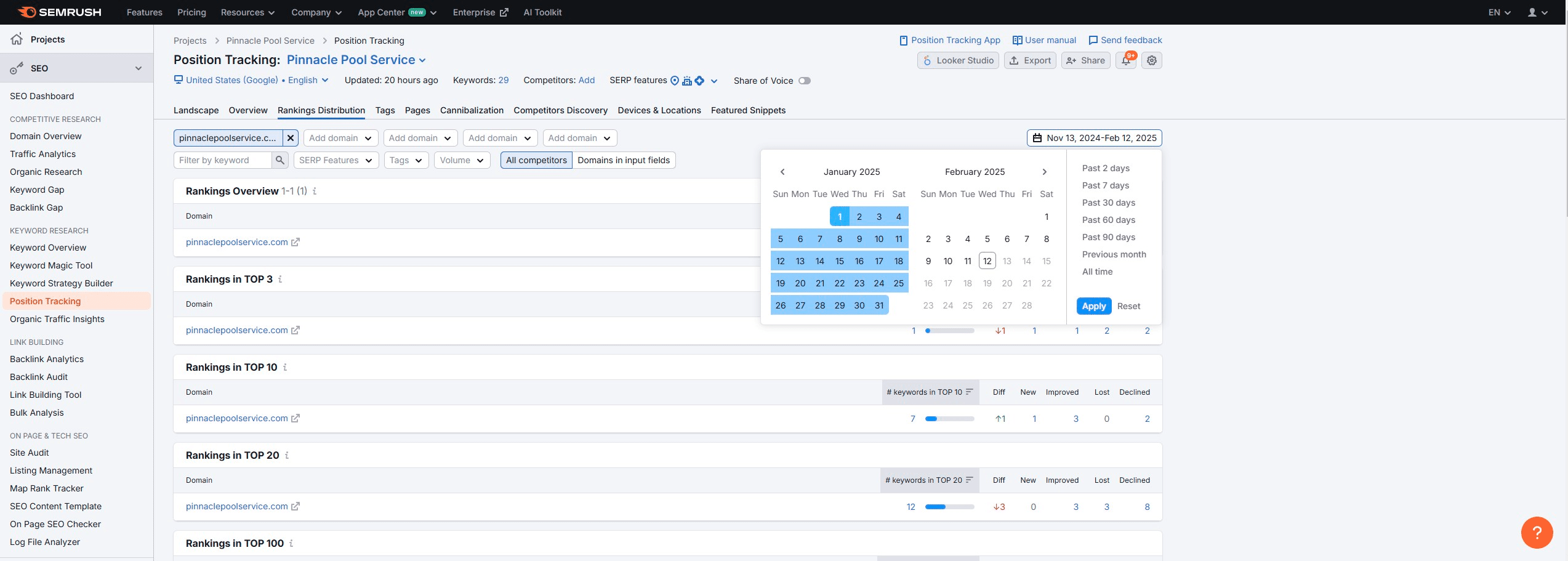
Click Date
6
Choose date range
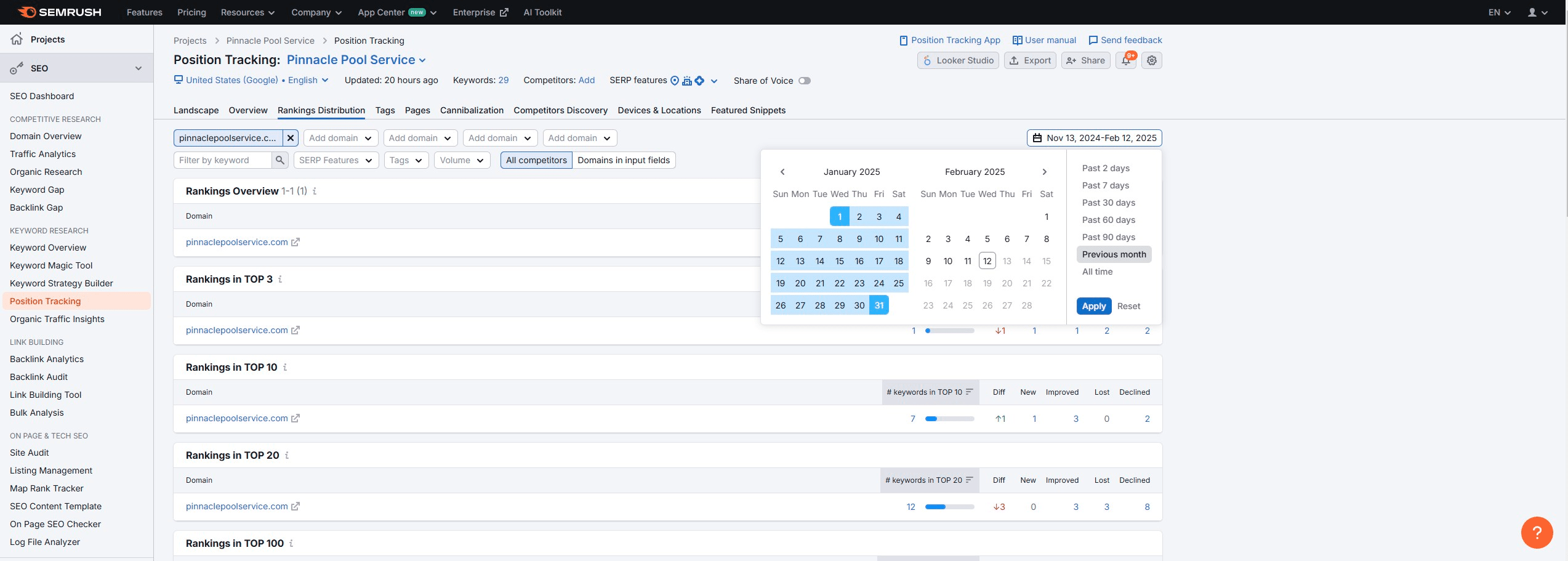
7
Click on "Apply"
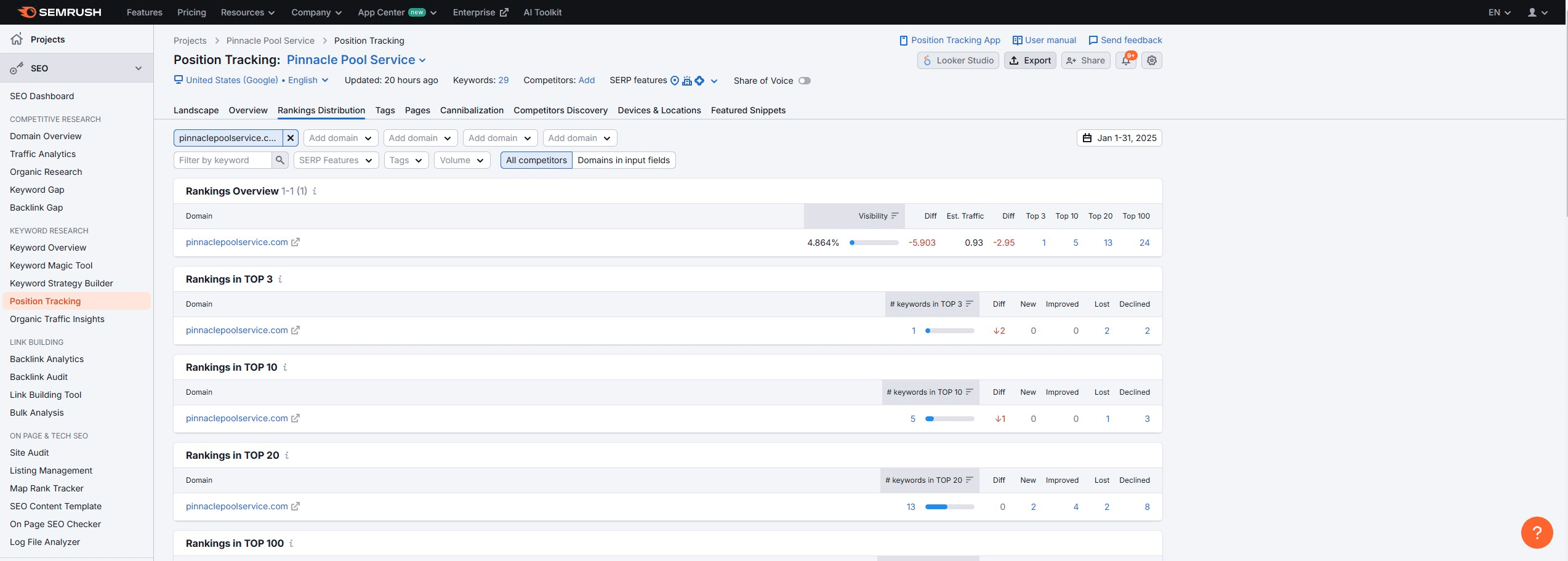
8
Click "Export"
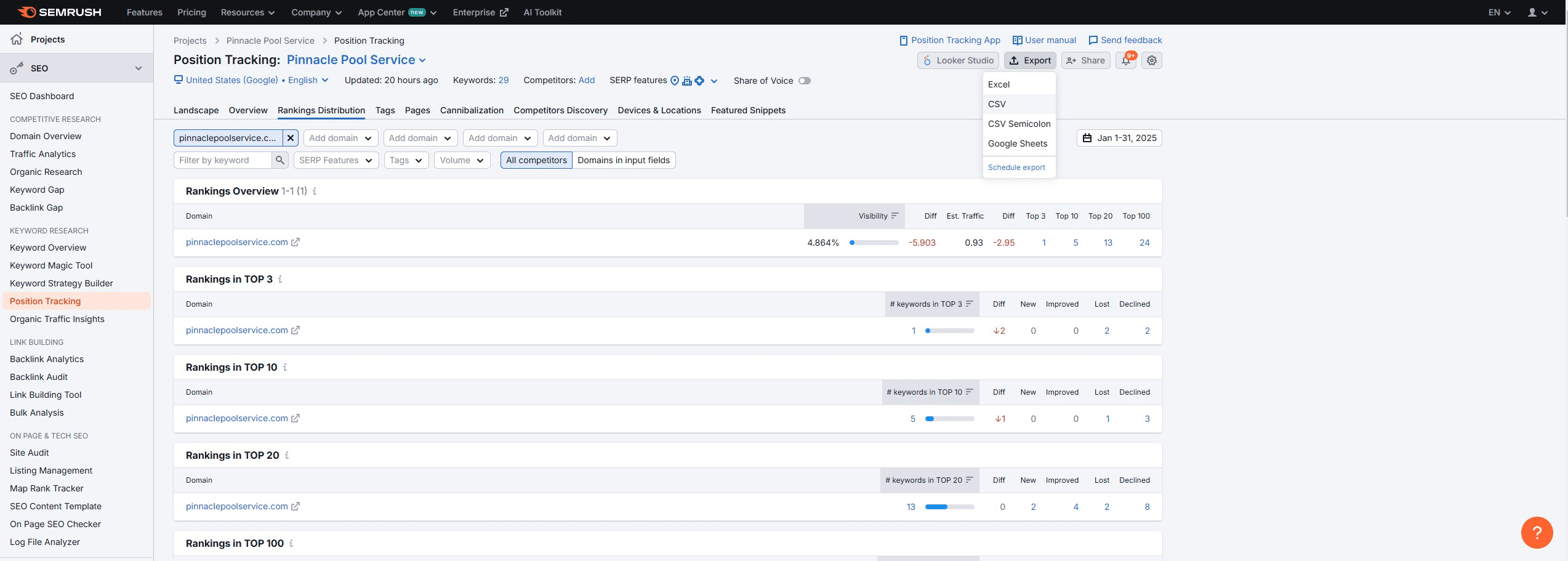
9
Click on "CSV"
10
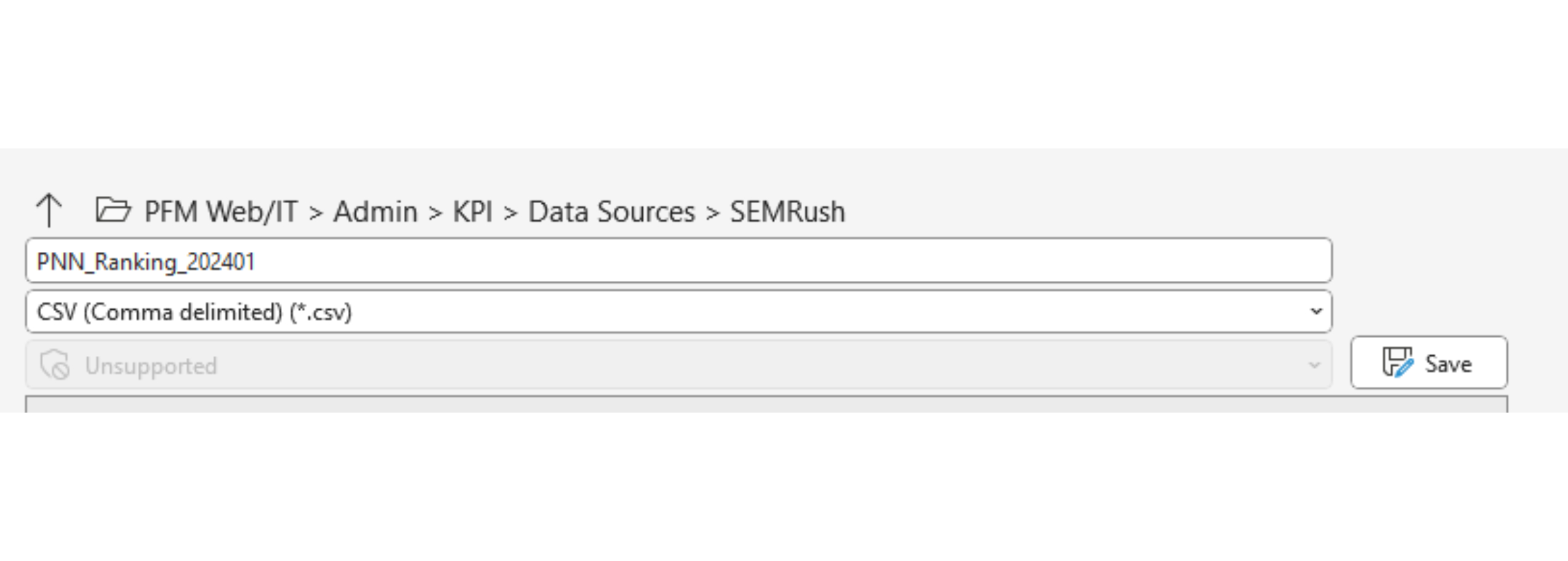
Open download and save as: BRAND (underscore) Ranking (underscore) YYYYMM.csv
File path: PFM Web/IT > Admin > KPI > Data Sources > SEMRush
Repeat for each brand!